

Before buying an older hidden-object game for a Mac, write down your macOS version and whether the machine uses an Intel processor or Apple silicon. Compare those details with the exact product listing. A Mac logo beside a game is not a complete compatibility statement.
This is a purchase checklist, not a tested list of games that run on every current Mac. Older store requirements can remain visible long after operating systems change. If the publisher's information does not cover your setup, leave compatibility unresolved until you have better evidence.
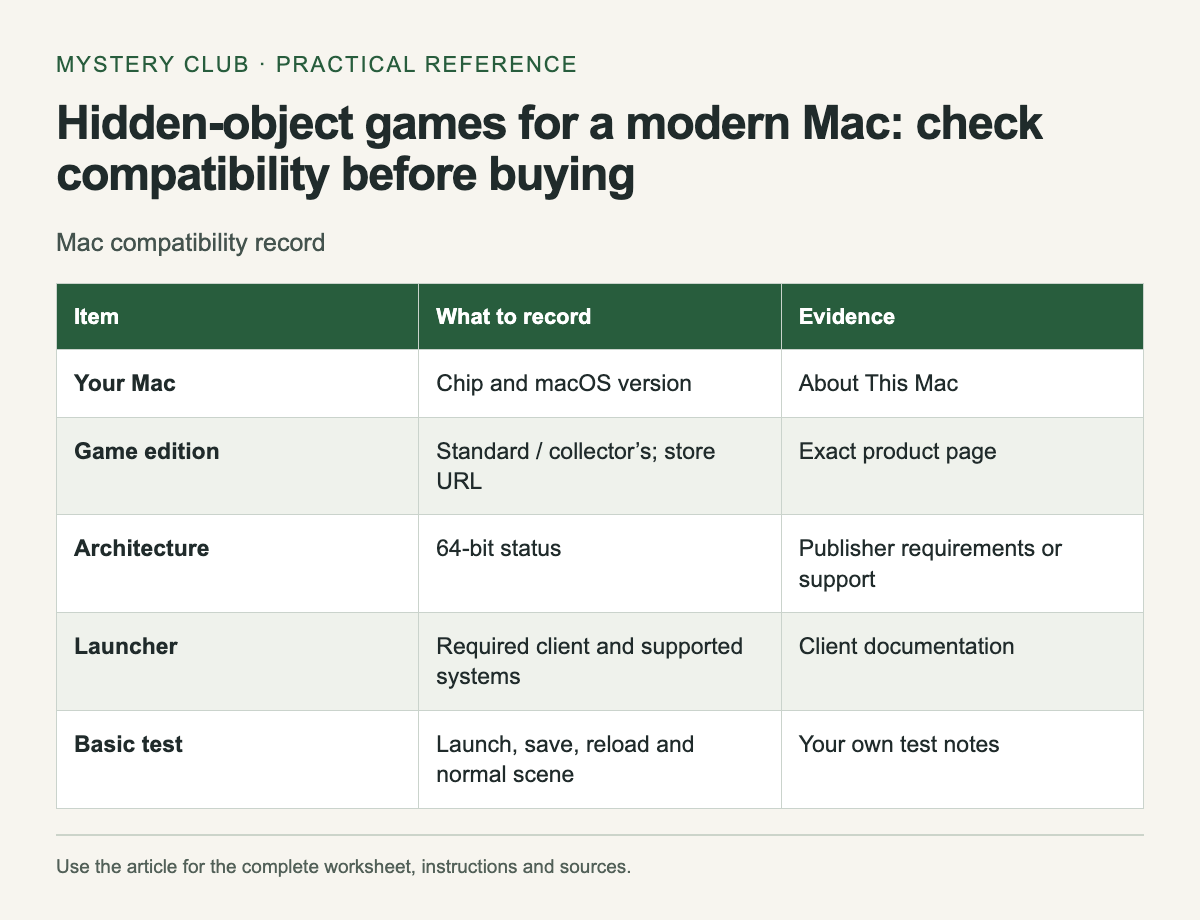
Check the machine and the game
Scroll the table sideways on a narrow screen to see every column.
| Item | What to record | Evidence |
|---|---|---|
| Your Mac | Chip and macOS version | About This Mac |
| Game edition | Standard / collector’s; store URL | Exact product page |
| Architecture | 64-bit status | Publisher requirements or support |
| Launcher | Required client and supported systems | Client documentation |
| Basic test | Launch, save, reload and normal scene | Your own test notes |
Apple states that macOS Catalina 10.15 and later do not run 32-bit apps. That makes an old 32-bit build a clear problem on those systems. It does not make every 64-bit game compatible with every newer Mac; other software and hardware requirements still matter.
Match the store edition
A title sold by two stores may have different installers or updates. Ask about the edition you intend to buy, and include its URL when contacting support. A report about a similarly named collector's edition is not automatically evidence for the standard release.
Check the launcher as well as the game. If a download requires a store client or activation tool, that software must work on your machine too. A game executable meeting its own requirements will not help if the required installation path is unavailable.
Read reports with enough detail
A useful compatibility report names the game build or store, macOS version and computer type. "Works on my Mac" omits most of the information you need. Treat an old report as a lead, then look for confirmation relevant to your setup.
Separate native support from running through a compatibility layer or virtual machine. Those can involve their own requirements, purchases and limitations. Do not buy a game on the assumption that a workaround will succeed unless you have checked the workaround for that title and are comfortable maintaining it.
Use a demo carefully
If the publisher provides a demo for the same edition, check installation, launch, saving and loading. Complete an ordinary scene and reopen the game. A successful title screen is encouraging, but it does not test the parts of the game you will use every session.
Keep the test small enough that you can describe a failure clearly. Record any error message exactly, including whether it came from macOS, the launcher or the game. Avoid downloading replacement executable files from an unknown site to make a failed test continue.
Make a decision from the evidence
Mark the purchase ready only when the evidence covers your machine and required features. If support cannot confirm compatibility and there is no suitable demo, decide whether the uncertainty is acceptable before paying. Do not turn an unanswered question into a recommendation for another reader.
Keep your notes after a successful test. When macOS changes, you will have a record of the last working setup and the source of the installer. Before a major system update, back up your saves using the publisher's documented location and check whether the game has any known upgrade limitations.
A collection of older games is easier to manage when each entry includes its store and working environment. That small record prevents a future reinstall from becoming a search through several similarly named downloads.
After checking the platform, compare the extras in the Collector’s Edition comparison.
Comments