

A game that supports your language may translate the menus while leaving spoken dialogue unchanged. For a hidden-object game, the target list matters just as much as the menu. Read the store's language table before deciding that a release will be comfortable to play.
Choose your purpose first. If you want relaxed searching, prioritize words you can read easily. If you want language practice, allow time to look up unfamiliar objects. The same puzzle can be enjoyable in one setting and frustrating in the other.
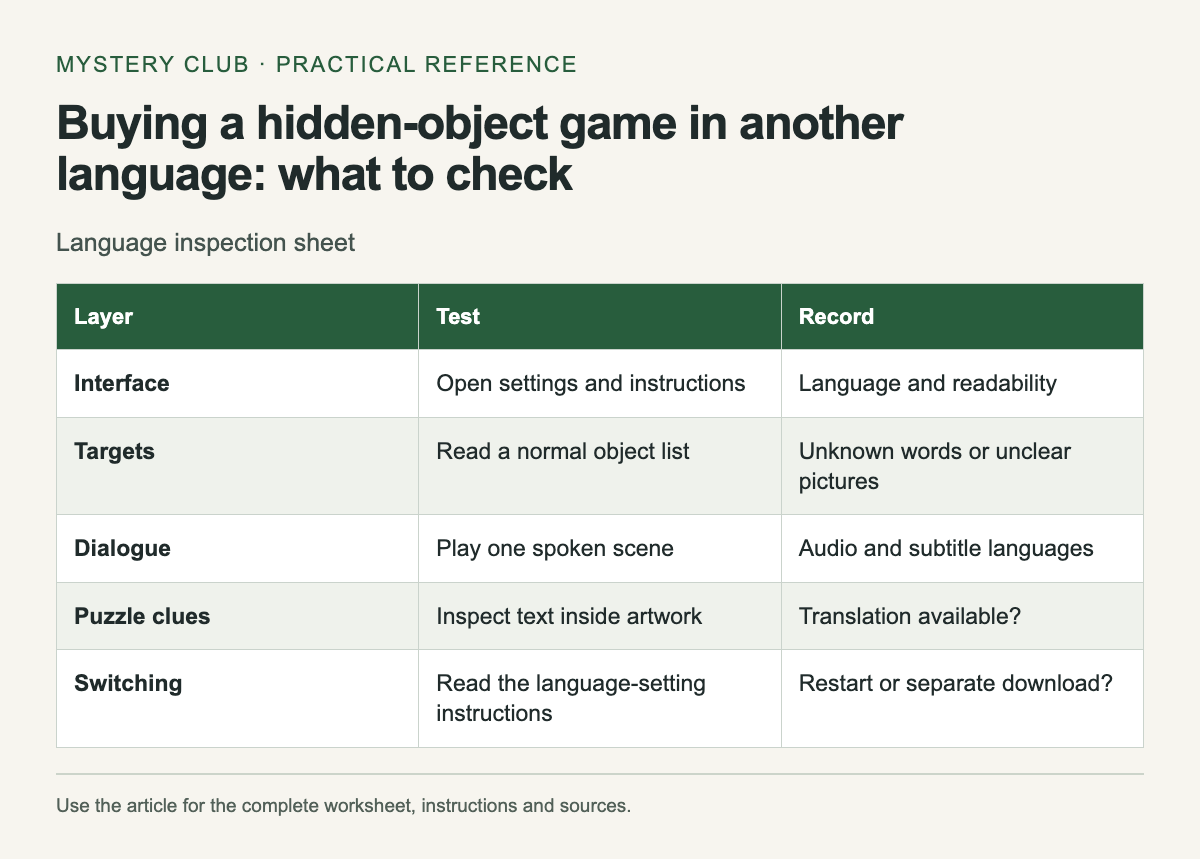
Check each layer separately
Scroll the table sideways on a narrow screen to see every column.
| Layer | Test | Record |
|---|---|---|
| Interface | Open settings and instructions | Language and readability |
| Targets | Read a normal object list | Unknown words or unclear pictures |
| Dialogue | Play one spoken scene | Audio and subtitle languages |
| Puzzle clues | Inspect text inside artwork | Translation available? |
| Switching | Read the language-setting instructions | Restart or separate download? |
The Hidden Folks Steam page, for example, separates interface, full audio and subtitles in its language table. Use the actual entries for the language you need; a long overall language list is not enough.
Try the object list early
In a demo, read every target before searching. Note whether unfamiliar words name everyday objects or depend on a riddle. A dictionary can help with an object name, while a pun may remain difficult even after you know the literal translation.
Write down words that stopped you, then check whether the game lets you reread the clue after you find the target. Some players want that review; others only want to continue to the next scene. Find out which kind of session the interface supports before planning to use it for study.
Watch for language-dependent puzzles
A letter wheel, wordplay clue or alphabet sequence may rely on the chosen language. Do not translate a walkthrough answer mechanically and expect it to fit. Confirm that the guide uses the same language and edition as your game, particularly when a puzzle refers to a phrase printed in the scene.
Pictures with embedded text deserve a check too. Menus may be translated while a sign remains part of the artwork. If that sign carries a puzzle clue, see whether the game supplies a translated inspection message. A screenshot in the store can reveal this issue before you download anything.
Use a small vocabulary record
For study, record the word, your first guess and the object you eventually found. Add the sentence from the game only when it helps explain the meaning. A short list of words you actually encountered is easier to review than a copied dictionary entry for every noun.
Do not claim that a game teaches a language to a particular level. Vocabulary encountered in a search scene is a narrow sample, and knowing an object name does not show that you can use it in conversation. Treat the game as one activity you enjoy, with whatever practice it provides.
Test switching before relying on it
If you want to change language during play, check whether the setting is in the game or its launcher and whether a restart is required. Save first. Record the original setting so another person using the same device can restore it.
A useful buying note is specific: "The demo's object list is readable in my chosen language; I still need to check story subtitles." That preserves what you know and what remains unknown. It is more reliable than writing "fully translated" after seeing one menu.
If several people will play together, check text size from the seat farthest from the screen. A language you read comfortably on a laptop may still be awkward when the clues appear on a television across the room.
If dialogue is part of the appeal, explore the Detective-story hidden-object games.
Comments