

A demo is most useful when you spend it checking the parts of a game that could make you stop playing. Before launching, write down two requirements. They might be readable object labels and an untimed mode, or an easy way to return to unfinished locations.
Do not turn the trial into a race to complete as much content as possible. Reaching a later chapter is less useful than learning that the text is uncomfortable to read or that you cannot save when you need to leave.
Six games to put on your shortlist: Hidden Through Time, Hidden Folks, A Castle Full of Cats, Enigmatis 2, Grim Legends and 100 hidden cats. Each recommendation below matches a different part of the checklist. These are game suggestions, not a list of confirmed free demos: check the linked store for current trial availability before downloading or buying.
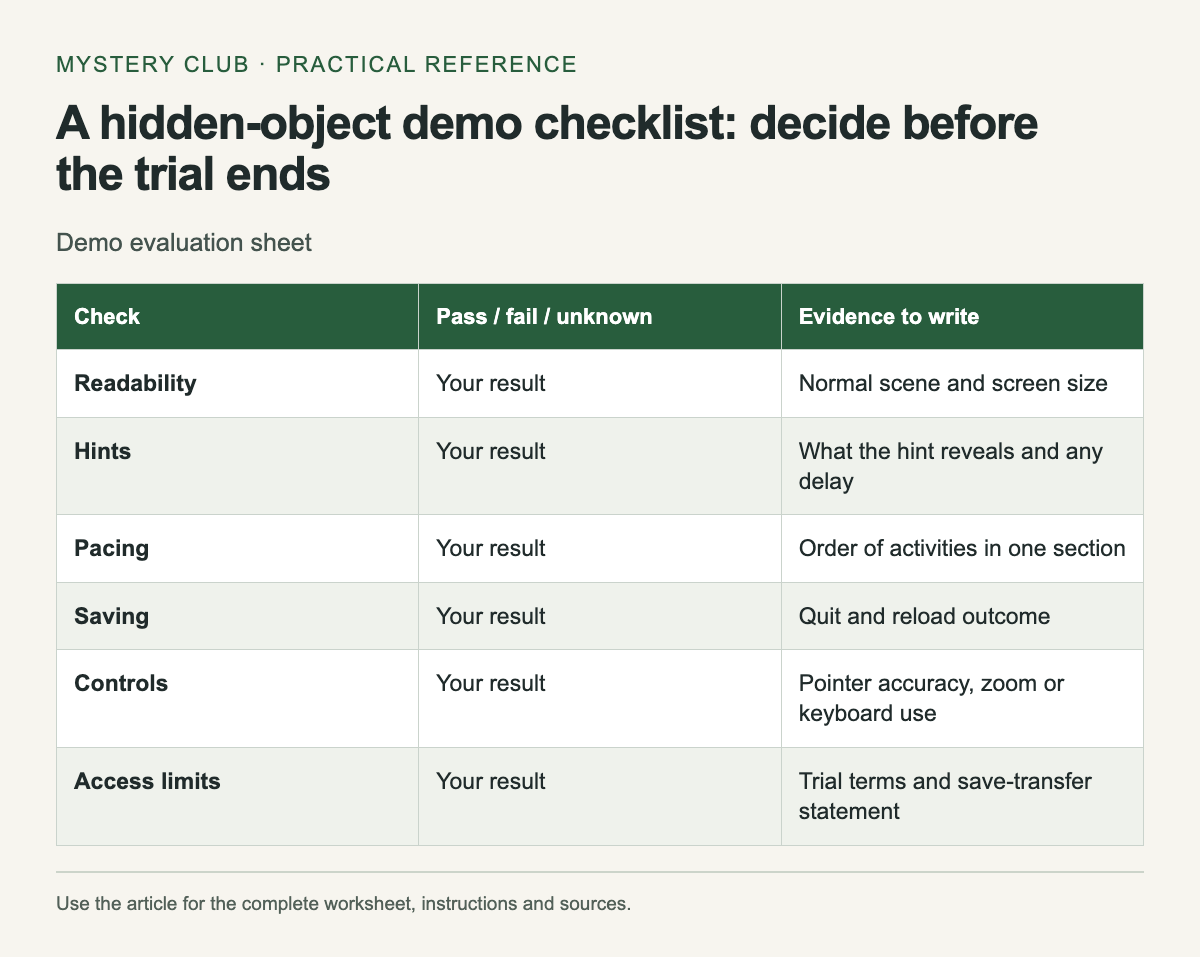
A compact test sheet
Scroll the table sideways on a narrow screen to see every column.
| Check | Pass / fail / unknown | Evidence to write |
|---|---|---|
| Readability | Your result | Normal scene and screen size |
| Hints | Your result | What the hint reveals and any delay |
| Pacing | Your result | Order of activities in one section |
| Saving | Your result | Quit and reload outcome |
| Controls | Your result | Pointer accuracy, zoom or keyboard use |
| Access limits | Your result | Trial terms and save-transfer statement |
Use pass, fail or unknown for each row, then add one concrete observation. "Text is readable at my normal seat" is evidence from your setup. "Good accessibility" is too broad to describe what you checked.
Test the ordinary scene
Wait until the tutorial gives you control of a normal search. Read the target list and find several objects without changing your usual screen position. Open any supported zoom or contrast controls if needed, and record which setting helped.
If you miss an object, use one hint and watch what it does. A hint may point to a location, reveal an object or tell you to leave the scene. The result matters more than the button's name. Check whether the delay before another hint feels acceptable to you.
Check interruption and return
Pause during a safe moment and resume. Then save or reach the game's documented save point, quit normally and reopen it. Confirm that the location and progress match what you expected. Avoid assuming that closing the window forces a save.
If the trial restricts loading or ends before you can test it, mark that row unknown. Look for the publisher's explanation before deciding that the full game will behave differently. Keep any error message, especially when it affects installation or launch.
Count what you actually do
For one short section, note the activities in order: search, conversation, inventory task, search. You do not need a stopwatch or a percentage. The sequence tells you whether the game gives you the kind of session you want.
A long opening conversation may be an introduction rather than the normal rhythm. If the remaining trial allows it, check a second transition. Equally, one appealing search scene does not prove that the rest of the game focuses on searching.
Keep payment questions outside the test
Read the trial's access limits and whether its save transfers to the full version. A free trial is not necessarily a free game. If you are considering a purchase through Steam, consult the refund policy directly instead of assuming it has the same terms as another store.
Keep an eye on any playtime-based purchase condition while troubleshooting. Leaving a game open in the background can undermine the purpose of a brief evaluation. Use the demo provided by the publisher when one exists, and check the store's current terms before paying.
Decide from the failures
A single failed requirement can outweigh several attractive extras. If you cannot comfortably read the search targets, a bonus chapter will not solve that problem. Conversely, a feature you do not care about should not disqualify an otherwise suitable game.
Save your completed sheet with the product URL. When you return during a sale, you will know which edition you checked and why it stayed on the shortlist. Recheck compatibility and price at that point; your notes describe the test you performed, not a permanent guarantee.
If the demo passes, choose the edition with the Collector’s Edition versus standard.
Comments